Skip to content
Hero Background Light

Project GeoMigrata simulates migrations

A Geography Information System for simulating population migrations based on factors

Complete open-source productseasy to use w/ high extensibility

Built for study research, education & professional developers

.NET 框架dotMigrata

GeoMigrata 项目的核心之作。基于因素的人口迁移模拟引擎。提供高效的算法和数据结构,支持大规模人口迁移模拟,并具有开放接口,支持高度自定义。

CLI/API 服务器MigrataGateway

CLI 版本的 dotMigrata 工具,支持命令行操作,方便集成。同时提供 API 服务器,可通过 Socket 或 REST API 传输数据流, 可以方便集成到其他程序或 Web 控制台中。

可视化应用VisualMigrata

采用 GruisEngine 渲染、Avalonia 框架的跨平台桌面应用,提供直观的用户界面,方便用户进行人口迁移模拟的配置、运行和结果可视化。适合教学或研究使用场景,开箱即用。

轻量渲染引擎GruisEngine

基于 C 的轻量级 3D 渲染引擎。提供基础的图形渲染功能,支持多种平台和图形 API。适合需要高性能渲染的应用场景,如地理信息系统等。

Get started with dotMigratain simple 3 steps

Install dotMigrata Framework. Import it. Explore it.

Feature topics for our products

Explore our featured topics and get an idea of our capabilities.

dotMigrata

dotMigrata

不行 Articles
  • 核心概念
  • 快速上手
  • 因素
  • 因素敏感度和因素值
  • 城市

查看 dotMigrata 文档

dotMigrata
Version History

Version History

25 Articles
  • Release Notes
  • Feature Updates
  • Bug Fixes
  • Breaking Changes
  • Migration Guides
  • Deprecated Features

View changelog

Content Writing

Content Writing

18 Articles
  • Markdown Basics
  • MDX Components
  • Code Examples
  • API Documentation
  • Tutorial Writing
  • Best Practices
View writing guide
Page Layouts

Page Layouts

8 Articles
  • Homepage Templates
  • Documentation Pages
  • API Reference Layout
  • Tutorial Structure
  • Landing Pages
  • Error Pages
View layouts

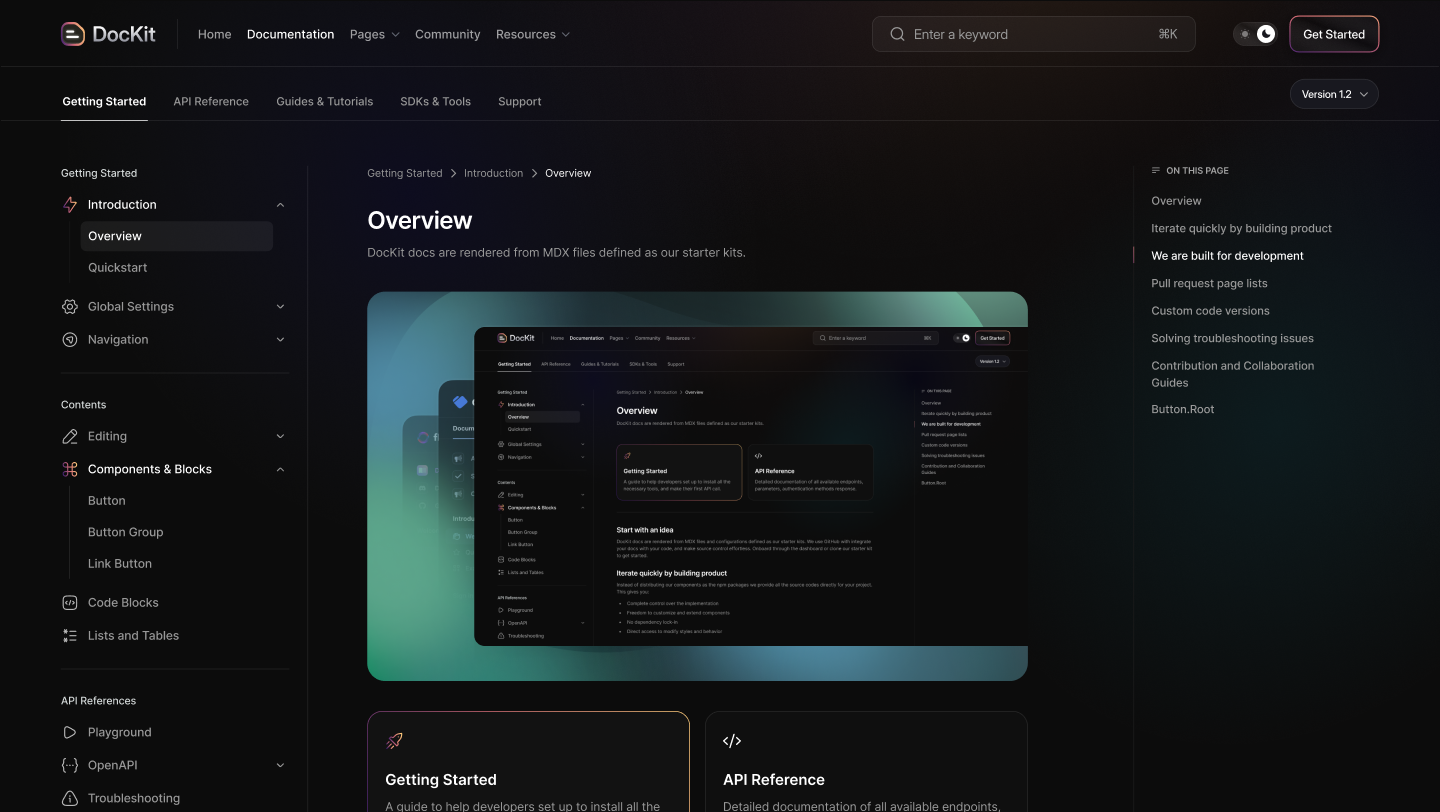
Switch easily from dark/light mode

Dedicated toggle button to switch between dark and light mode.
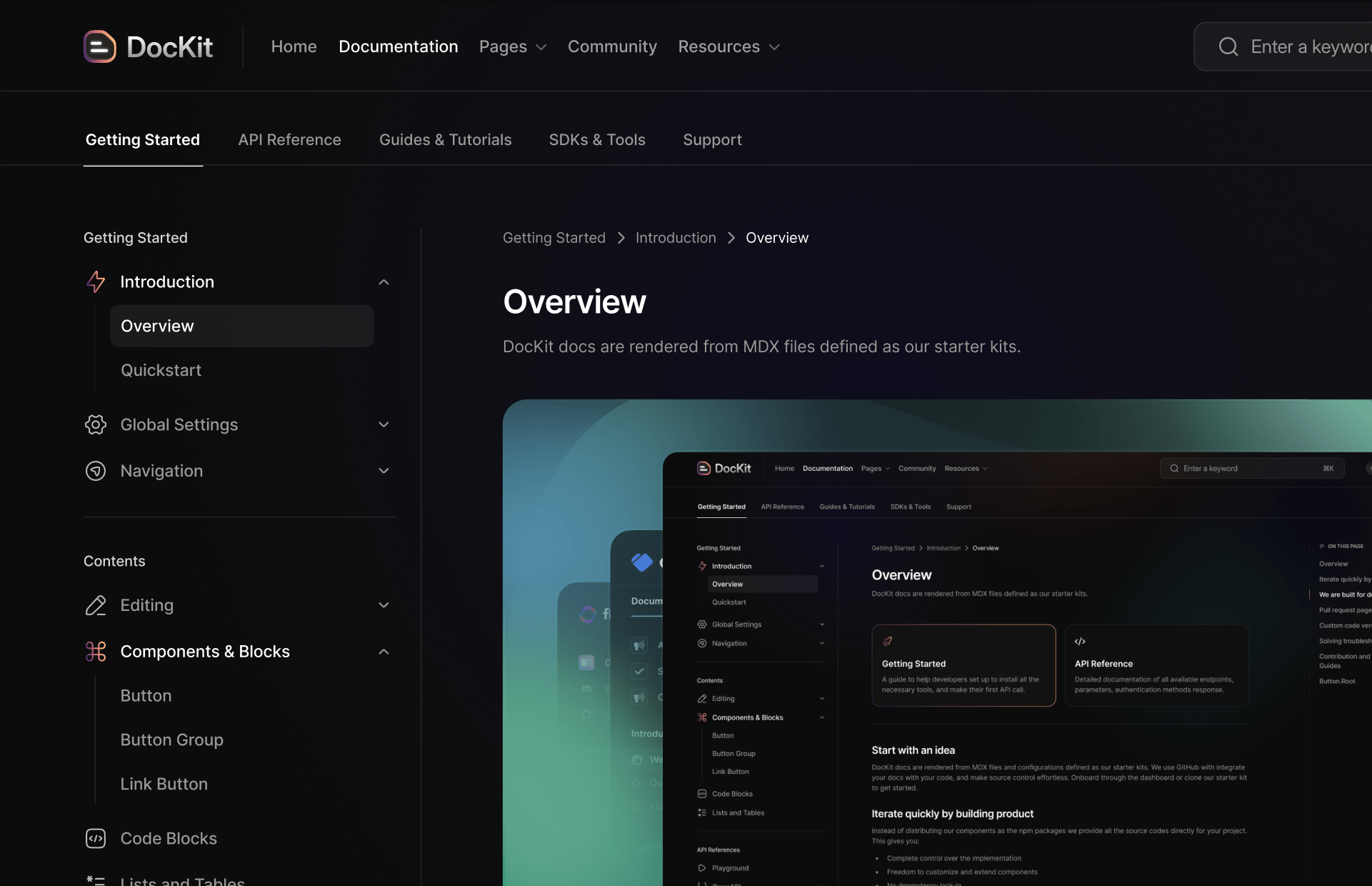
Dark Mode Demo Light Mode Demo

Have question? We’re here to help

Get answers to the general questions people have asked.

Getting Started

Some questions about how to start.

Settings & Configurations

How to configure our documentation.

Help & Support

What type of support we provide.

How do I get started with Dockit?

Simply install our template, import the components you need, and start documenting your project. The setup process takes just a few minutes.

What are the system requirements?

Dockit requires Node.js 18+ and works with any modern web browser. It's built on Astro and supports all major operating systems.

Is Dockit free to use?

Yes, Dockit is completely free and open source. You can use it for personal and commercial projects without any limitations.

Can I customize the design?

Absolutely! Dockit is highly customizable with Tailwind CSS. You can modify colors, layouts, components, and add your own branding.

How do I change the theme colors?

You can customize theme colors by modifying the CSS custom properties in your theme configuration file or through the Tailwind config.

Can I add custom components?

Yes, you can create and add custom Astro components. Simply place them in the components folder and import them where needed.

How do I configure navigation?

Navigation is configured through the menu.json file in your config folder. You can add, remove, or reorder menu items as needed.

Can I use my own domain?

Yes, you can deploy Dockit to any hosting service and use your custom domain. We provide deployment guides for popular platforms.

Where can I get help?

You can get help through our GitHub discussions, documentation, or community Discord server. We also provide email support for complex issues.

How do I report bugs?

Please report bugs through our GitHub issues page with detailed information about the problem and steps to reproduce it.

Do you offer premium support?

While Dockit is free, we offer premium consulting services for custom implementations and enterprise deployments.

Ready to explore Dockit experience?

Discover tips, resources, and guidance to maximize experience with our documentation.
Get StartedView Docs